What Is Clinic Management Software? A Complete Guide for Clinic Owners
Running a clinic is not just about treating patients. Behind every successful healthcare practice, there is a team managing appointments, patient information, staff schedules, payments and daily administrative responsibilities.
When these activities are handled through separate registers, spreadsheets, phone calls and messages, managing everything can become challenging.
This is where clinic management software comes in.
It helps healthcare professionals organise their daily operations through a centralised digital platform, making it easier to manage patients, coordinate staff and keep track of important clinic activities.
But what exactly is clinic management software, how does it work, and does your clinic really need it?
Let's understand.
What Is Clinic Management Software?
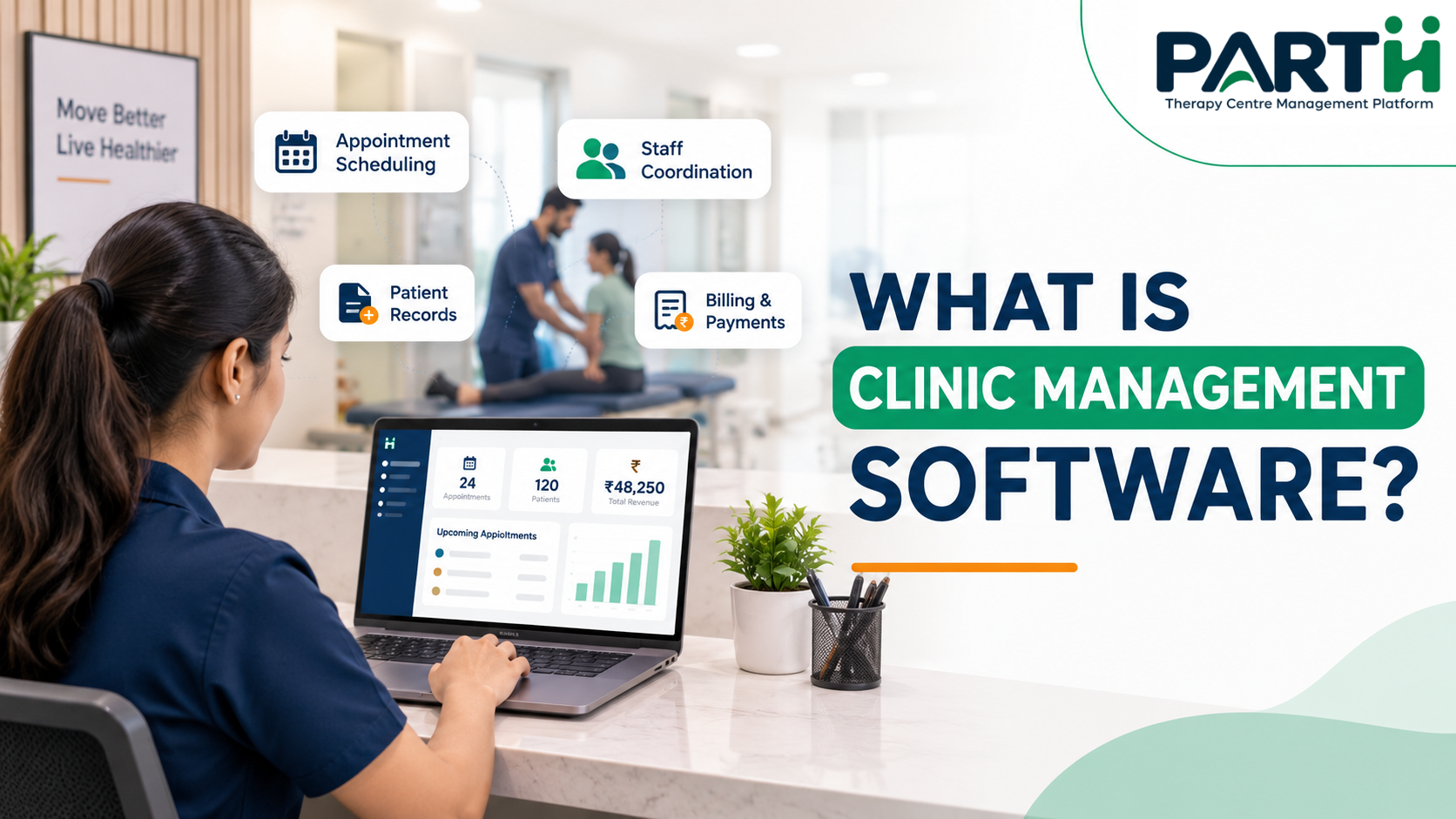
Clinic management software is a digital platform designed to help healthcare professionals manage the administrative and operational activities of their clinics from one place.
Instead of maintaining separate records for appointments, patients, staff and billing, clinics can use one system to organise these activities.
Depending on the software, it may include features such as:
- Patient registration and management
- Appointment scheduling
- Doctor and therapist management
- Patient records and visit history
- Therapy session management
- Patient progress tracking
- Billing and payment management
- Staff attendance and management
- Follow-up and appointment reminders
- Reports and performance analytics
The main purpose is to reduce repetitive administrative work, improve coordination and help clinic owners maintain better visibility over daily operations.
Why Do Clinics Need Management Software?
As a clinic grows, managing daily activities manually becomes increasingly difficult.
A receptionist may be handling appointments while a therapist is managing sessions. Meanwhile, the clinic owner needs to monitor payments, staff attendance and overall performance.
When information is scattered across different places, even simple tasks can take more time than necessary.
Here are some common challenges clinic management software can help address.
1. Managing Appointments Becomes Difficult
Managing appointments manually can lead to scheduling conflicts, missed bookings and confusion about therapist availability.
A digital appointment management system allows clinic staff to:
- Schedule and update appointments.
- View daily and upcoming schedules.
- Manage appointments for different therapists.
- Keep track of appointment statuses.
- Reduce scheduling confusion.
This helps create a more organised appointment process for both staff and patients.
2. Patient Information Gets Scattered
Many clinics maintain patient details in physical files, notebooks or separate spreadsheets.
Finding previous visit information can become time-consuming, especially when a patient returns after several weeks.
A patient management system helps maintain organised patient profiles, making important information easier to access when needed.
3. Staff Coordination Takes More Effort
In clinics with multiple doctors or therapists, coordinating schedules and responsibilities can become challenging.
Without a clear system, staff may depend on repeated calls or messages to understand their daily assignments.
Clinic management software can help organise therapist schedules, manage staff information and improve coordination between team members.
4. Follow-Ups Are Easily Missed
Patient care often requires regular follow-ups and scheduled appointments.
However, when reminders depend entirely on manual calls or personal notes, some follow-ups may be overlooked.
Automated appointment reminders and follow-up management features can help clinics maintain more consistent communication with patients.
5. Tracking Financial Activities Becomes Complicated
Managing payments, receipts and expenses manually can make it difficult to understand a clinic's financial activities.
Billing and financial management features help clinics:
- Record patient payments.
- Generate payment receipts.
- Track expenses.
- Review pending payments.
- Access financial reports.
This gives clinic owners a clearer picture of their daily financial operations.
Important Features to Look for in Clinic Management Software
Not every clinic has the same requirements. A physiotherapy clinic, an autism therapy centre and a general medical clinic may follow very different workflows.
Therefore, choosing software based on your clinic's actual requirements is important.
Here are some useful features to consider.
1. Patient Management
A centralised patient management system helps clinics maintain patient profiles and organise important information.
Staff can access patient details without searching through multiple physical files.
2. Appointment Scheduling
Appointment scheduling allows clinics to organise daily bookings, manage therapist availability and keep track of upcoming sessions.
It also helps receptionists manage changing schedules more efficiently.
3. Therapist and Staff Management
For clinics with multiple therapists, managing staff schedules and responsibilities is essential.
A suitable system should help owners organise therapist information, allocate responsibilities and monitor staff attendance.
4. Therapy Session Management
Therapy centres often manage multiple sessions for different patients throughout the day.
Session management helps organise treatment schedules and maintain better visibility into completed and upcoming sessions.
5. Patient Progress Tracking
Monitoring patient progress is an important part of ongoing therapy.
A digital system can help therapists maintain progress information over time, making it easier to review previous sessions and understand changes during the treatment journey.
6. Billing and Payment Management
Financial management features help clinics record payments, maintain receipts, track expenses and review financial activities.
This reduces dependence on separate billing registers and spreadsheets.
7. Follow-Ups and Appointment Reminders
A reminder system helps clinics stay connected with patients regarding upcoming appointments and follow-up schedules.
It also reduces the need for staff to remember every reminder manually.
8. Reports and Analytics
Reports help clinic owners understand what is happening across their practice.
Depending on the software, reports may include appointment details, patient activity, staff performance, attendance and financial information.
How Does Clinic Management Software Work in Daily Operations?
Let's understand this with a simple example.
Imagine a physiotherapy clinic managing several patients and therapists every day.
Without a centralised system:
- The receptionist maintains appointments in a register.
- Patient details are stored in separate files.
- Therapists maintain their own session notes.
- Payments are recorded in a billing book.
- The clinic owner collects information from different staff members.
Now imagine these activities being managed through one digital platform.
With clinic management software:
- 1The receptionist registers new patients and schedules appointments.
- 2Therapists can access their assigned schedules.
- 3Patient and therapy session information can be organised digitally.
- 4Payments and receipts can be maintained in the system.
- 5Appointment reminders help patients stay informed.
- 6The clinic owner can review reports and monitor daily activities.
The result is a more structured workflow with less dependence on scattered records and manual coordination.
How to Choose the Right Clinic Management Software?
Choosing software is an important decision because it becomes part of your clinic's daily workflow.
Before selecting a platform, consider these factors:
1. Understand your clinic's requirements
Identify the activities that take the most time. Do you struggle with appointments, patient records, staff management or billing?
Start with your actual problems rather than selecting software based on the longest feature list.
2. Check whether it supports your speciality
A physiotherapy clinic may need therapist allocation and progress tracking, while a child development centre may require regular session management and parent communication.
Choose a system that supports your specific workflow.
3. Look for ease of use
The software should be simple enough for receptionists, therapists and clinic owners to use without unnecessary complexity.
4. Check reporting capabilities
Make sure you can access the information you need to monitor clinic activities and make better operational decisions.
5. Understand data security
Patient information must be handled responsibly. Before selecting software, understand its access controls, data storage, backup arrangements and privacy practices.
For Indian healthcare organisations, it is also important to understand applicable data protection requirements. The Digital Personal Data Protection Act, 2023 and relevant rules provide a framework for processing digital personal data.
6. Consider future growth
If you plan to add more therapists, expand services or open additional branches, check whether the software can support those requirements.
How Parthcare Helps Simplify Clinic Management
Managing a therapy centre requires coordination between clinic owners, receptionists, therapists and patients.
Parthcare is a therapy centre management platform developed to help physiotherapy clinics, therapy centres and healthcare professionals organise their daily operations.
Instead of managing everything through separate records and manual processes, Parthcare brings important clinic activities together.
With Parthcare, clinics can manage:
- Patient Management: Organise patient information and registrations.
- Appointment Scheduling: Manage daily appointments and schedules.
- Therapist Management: Organise therapist information and allocation.
- Therapy Session Management: Manage therapy sessions and related activities.
- Patient Progress Tracking: Maintain and review patient progress.
- Follow-ups and Reminders: Manage follow-up activities and appointment reminders.
- Billing and Payments: Maintain payment records and receipts.
- Staff Management: Organise staff information and attendance.
- Reports and Analytics: Review important clinic activities through reports.
- Multi-Branch Management: Manage operations across multiple clinic branches.
The objective is simple: help clinic owners and healthcare professionals spend less time managing scattered administrative activities and more time focusing on their patients and practice.
Explore Parthcare: https://parthcare.com/
Final Thoughts
Managing a healthcare clinic involves several responsibilities beyond patient treatment. As the practice grows, keeping appointments, patient information, staff activities and financial records organised becomes increasingly important.
Clinic management software provides a structured way to handle these activities through a centralised digital platform.
The right system should not make your work more complicated. It should make everyday clinic operations easier to manage.
Whether you run a physiotherapy clinic, an autism therapy centre or a growing therapy practice, investing in a suitable management system can be an important step towards more organised operations.
Ready to simplify your clinic management?
Discover how Parthcare can help organise your therapy centre's daily operations.
Visit: https://parthcare.com/
Frequently Asked Questions (FAQs)
1. What is clinic management software used for?
Clinic management software is used to organise daily clinic activities such as patient management, appointment scheduling, staff coordination, billing, follow-ups and reporting.
2. Who can use clinic management software?
Doctors, physiotherapists, occupational therapists, speech therapists, clinic owners, therapy centre administrators and other healthcare professionals can use clinic management software depending on their requirements.
3. What are the most important features of clinic management software?
Important features include patient management, appointment scheduling, staff management, billing, follow-up reminders, reporting and patient progress tracking. The required features depend on the type of clinic.
4. Is clinic management software useful for small clinics?
Yes. Small clinics can use it to organise patient information, appointments and payments from the beginning. It can also make it easier to manage operations as the clinic grows.
5. How does clinic management software help physiotherapy clinics?
It helps physiotherapy clinics manage patient registrations, therapist schedules, therapy sessions, patient progress, appointments, billing and follow-ups through a centralised system.
6. Can clinic management software help reduce administrative work?
Yes. By organising repetitive activities digitally, it can reduce manual recordkeeping, simplify appointment management and make important information easier to access.
7. How do I choose the right clinic management software?
Consider your clinic's requirements, ease of use, available features, reporting capabilities, data security, pricing and ability to support future growth.
8. What is the difference between clinic management software and hospital management software?
Clinic management software generally focuses on outpatient clinic operations, such as appointments, patient records and billing. Hospital management software usually covers a wider range of institutional activities, including admissions, beds, wards and multiple departments.